DroidDeck Game Compatibility Guide: What Actually Runs Well
By Elena Rodriguez, PC Gaming Analyst
Contents On this page
Not every Steam game is a good fit for your phone, and knowing which ones shine saves you hours of downloading. DroidDeck runs Windows games through translation layers, so a game's age, engine and anti-cheat software matter more than its review score. This guide breaks down what runs well, what struggles, and how to test safely. Pair it with the DroidDeck APK homepage specs, and download the app from the official DroidDeck download page when you are ready to experiment.
The sweet spot: 2D games and older 3D titles
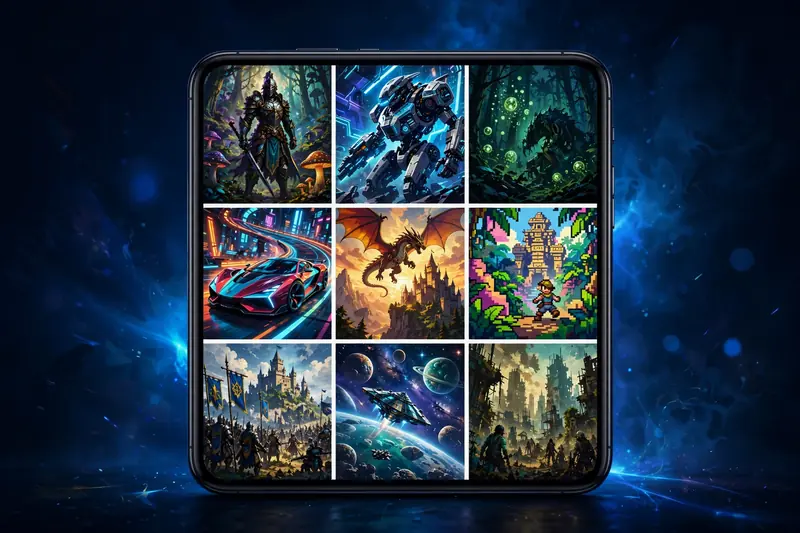
The happiest DroidDeck games are 2D platformers, roguelikes, pixel-art RPGs, visual novels and strategy games. These titles ask little of the translation layers, so they routinely hit smooth frame rates even on the minimum Adreno 730 hardware. Older 3D games from the early 2010s are the next tier: their modest GPU demands leave headroom for Proton's DirectX-to-Vulkan translation, and most run at perfectly playable settings.
Unity and Godot indie games deserve a special mention. Their engines are well-behaved under Proton, and developers often ship efficient builds. If your Steam library has a backlog of acclaimed indies you never finished on PC, DroidDeck is arguably the best way to finally play them, on the couch, on the train, anywhere your phone goes.
What struggles: new AAA games and anti-cheat
Brand-new AAA releases are the hardest case. They assume a desktop GPU with far more power than any phone chip, and the translation overhead makes the gap wider. Some will launch and limp along at low settings; many will not be worth the storage they occupy. Treat recent blockbusters as experiments, not expectations.
Multiplayer games with kernel-level anti-cheat are a firm no. That software expects a real Windows kernel and refuses to run under Proton, on phones and on desktop Linux alike. If a game's multiplayer depends on such anti-cheat, its single-player mode may still work, but online play will not. Check a game's anti-cheat situation before downloading 80 GB for a multiplayer experience you cannot have.
How to test a game safely
- Start with games you already own. Your Steam library is the cheapest test lab there is.
- Check community compatibility reports for the game under Proton. Desktop Proton results translate well to DroidDeck, since the translation stack is the same family.
- Buy new games with the refund window in mind. Steam refunds purchases with under two hours of playtime, which is plenty to verify a game runs on your phone.
- Test one big game at a time. Large downloads eat storage and bandwidth, so confirm each title before queuing the next.
Your phone's exact chip matters within these tiers. A flagship with a top Adreno GPU will push several newer 3D games into the playable zone that a minimum-spec phone cannot. Our Snapdragon requirements explainer details the hardware tiers, and the performance settings guide shows how to tune each game once it is installed.
Genres ranked for phone play
From most to least phone-friendly: visual novels and point-and-click adventures, turn-based strategy and tactics, 2D platformers and roguelikes, CRPGs and older RPGs, racing and sports titles, then modern shooters and open-world games at the bottom. This ranking assumes default settings; dropping resolution and effects can move a borderline game up a tier, which is exactly what the settings guide is for.
Controller support also shapes the ranking. Turn-based games play beautifully with touch controls, while shooters really want a gamepad. If you plan to play action-heavy genres, read the controller guide first so your hardware is ready before the game finishes downloading.
The two-hour rule: For any game you are unsure about, buy it, install it over Wi-Fi, and test within Steam's refund window. Two hours is enough to judge performance, controls and stability on your exact phone. If it does not make the cut, refund and move on.